Best Mesh WiFi Systems in Australia 2026
Find the best mesh WiFi systems in Australia for 2026. We compare Wi-Fi 7 routers from Netgear, eero, ASUS and TP-Link with AU prices and speeds.
Our Quick Picks
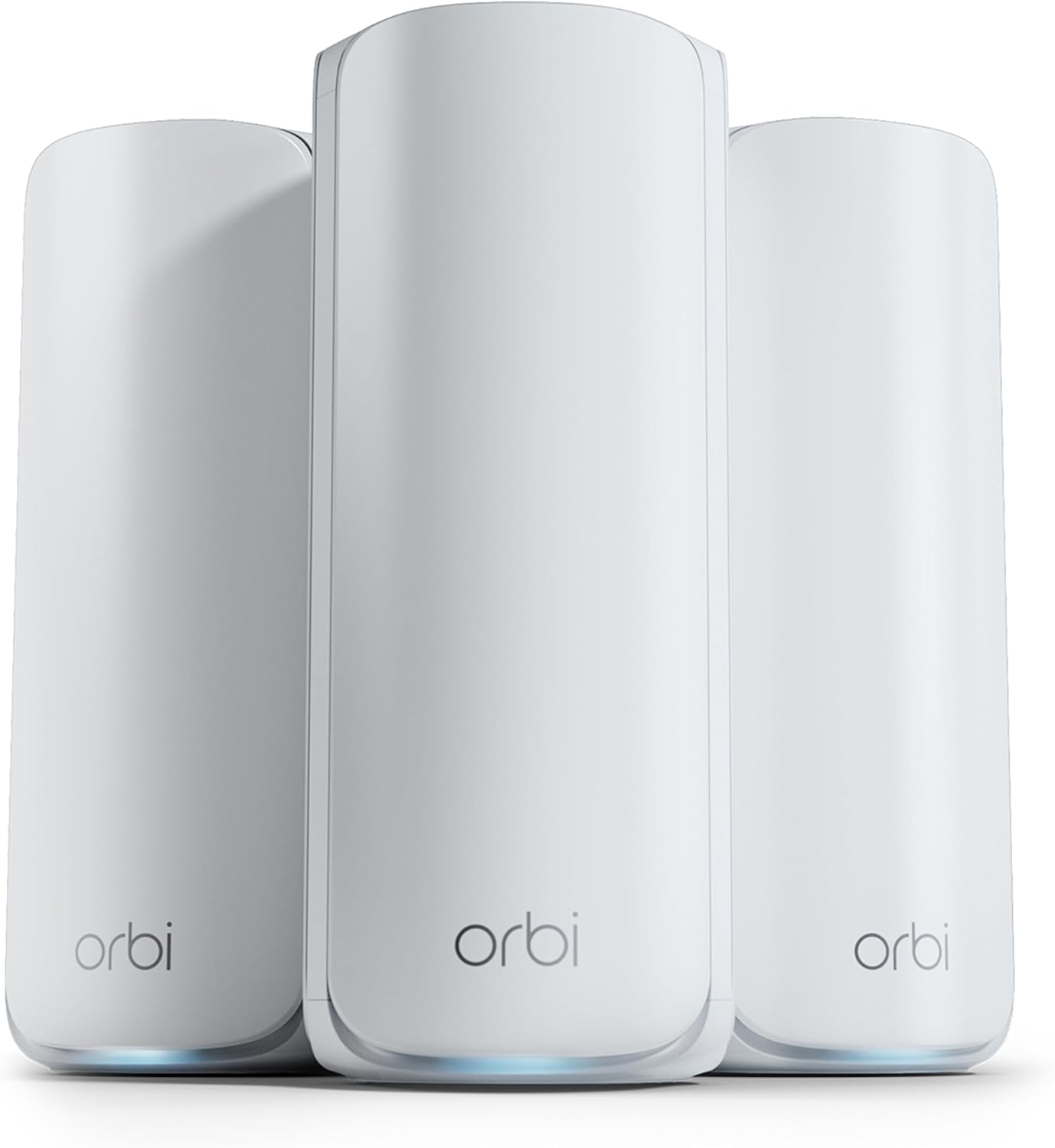
Netgear Orbi 770
WIRED's top pick for mesh WiFi—tri-band Wi-Fi 7 with excellent long-range performance and dedicated IoT network.
Data & Privacy: Netgear collects analytics data including internet speed, voltage, storage info, error rates, and device performance metrics. Opt-out available in router settings but may limit some features.
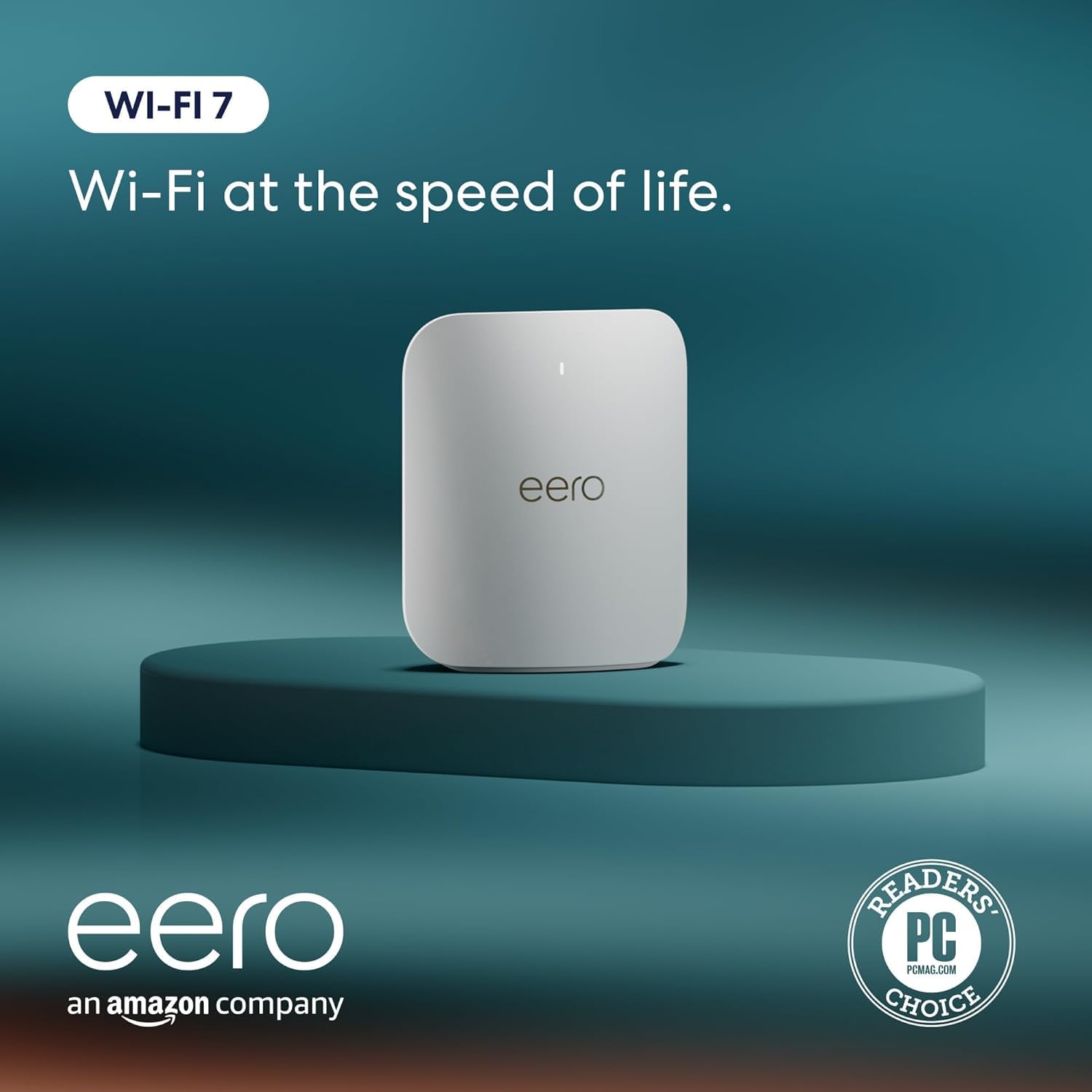
eero Pro 7
Dead-simple Wi-Fi 7 mesh with built-in Thread/Matter/Zigbee hub—ideal for smart homes.
Data & Privacy: eero collects extensive network data including device identities, signal strength, connection times, and network performance metrics. Data stored in Amazon cloud and may be used across Amazon services. No local-only management option available.
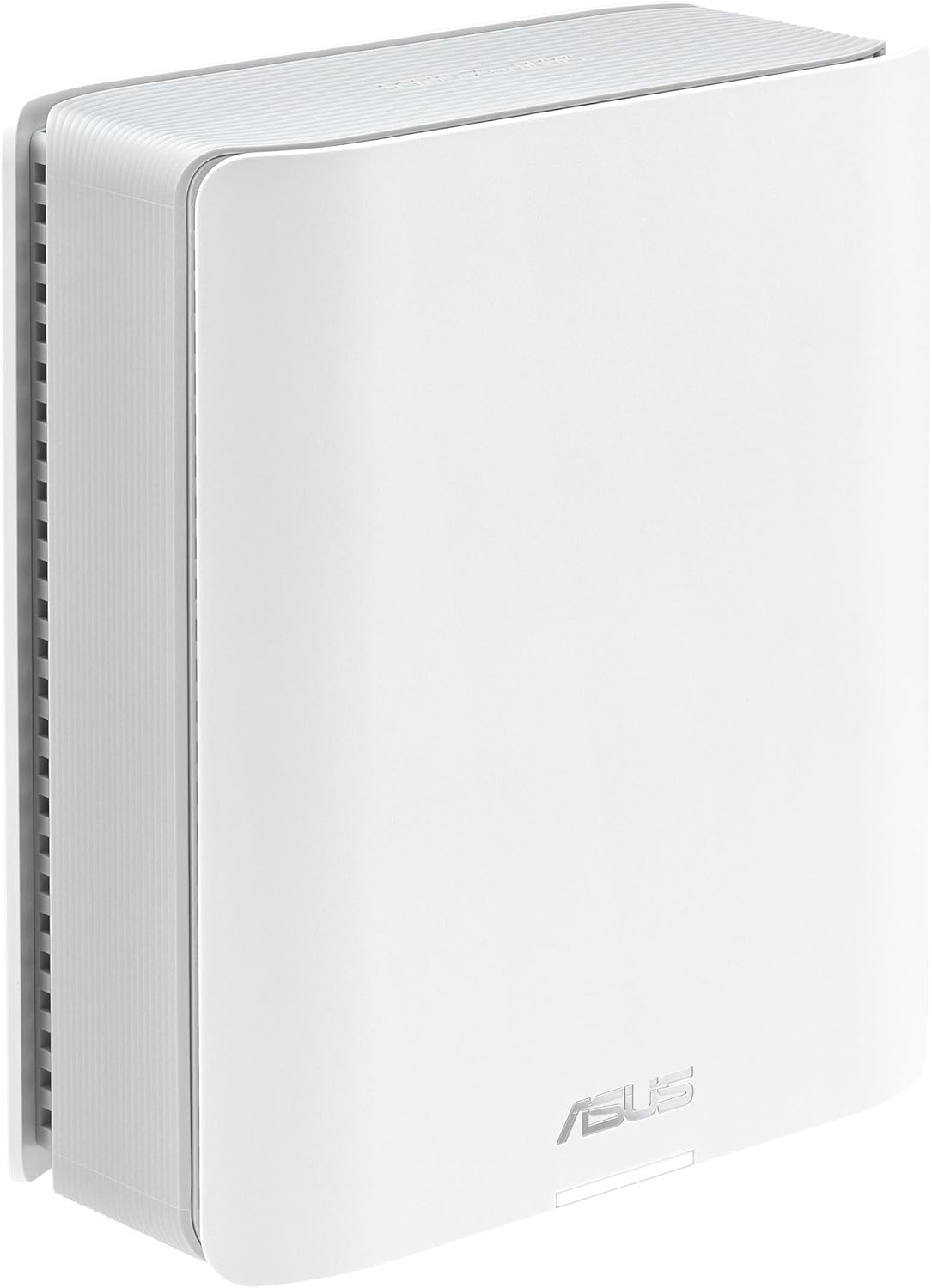
ASUS ZenWiFi BT10
Sleek tri-band Wi-Fi 7 with dual 10GbE ports and robust AiMesh ecosystem—excellent for tech enthusiasts.
Data & Privacy: AiMesh can operate without mandatory cloud services. AiProtection Pro collects threat intelligence data sent to Trend Micro but can be disabled. Local web UI offers full control without app/cloud.
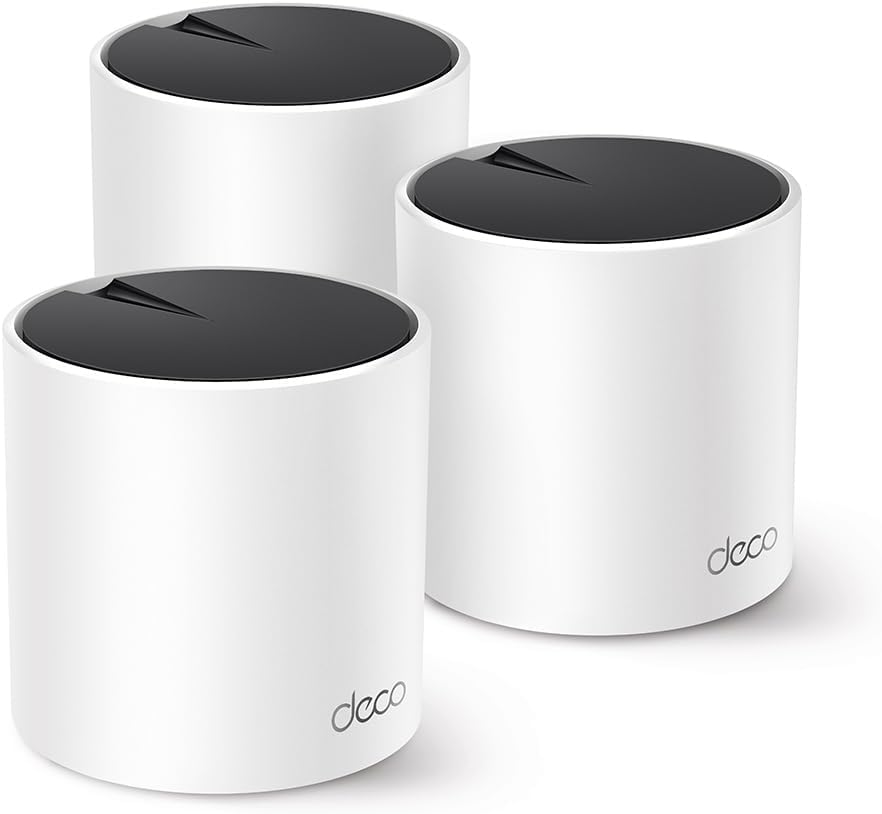
TP-Link Deco X55
Outstanding Wi-Fi 6 value—ideal for budget-conscious Australians on NBN 50-250 plans.
Data & Privacy: Same privacy considerations as Deco BE63. HomeShield data collection only when activated. Core routing functions work without cloud.
Detailed Reviews
Netgear Orbi 770
The Netgear Orbi 770 earned WIRED’s “Best Mesh Wi-Fi System” award in 2026 for good reason—strong long-range performance, a dedicated IoT network for smart home devices, and explicit NBN compatibility at a lower price than the flagship Orbi 970.
This tri-band Wi-Fi 7 system delivers speeds up to 11 Gbps (BE11000) across three bands: 1.1 Gbps on 2.4GHz, 5.8 Gbps on 5GHz, and 5.8 Gbps on 6GHz. Where the Orbi 770 truly shines is long-range performance—reviewers consistently note it outperforms competitors at 75+ feet, making it ideal for large Australian homes or properties with thick brick walls.
The router node includes four 2.5 Gigabit Ethernet ports, while each satellite has two 2.5GbE ports—plenty of wired connectivity for gaming consoles, smart TVs, and network-attached storage. The dedicated IoT network is a standout feature: it isolates smart home devices (lights, sensors, cameras) from your main network, improving both security and performance.
Netgear markets the Orbi 770 as “NBN Upgrade Ready” in Australia, and it lives up to the claim. Multiple Australian reviewers confirm seamless NBN setup across all connection types. Coverage is rated at 180 sqm per unit, so a 3-pack handles homes up to 540 sqm.
Pros:
- Exceptional long-range performance (outperforms competitors at 75+ feet)
- Multiple 2.5GbE ports (4 on router, 2 per satellite)
- Dedicated IoT network for smart home security
- Explicitly marketed for Australian NBN (“NBN Upgrade Ready”)
- WIRED Editors’ Choice 2026
Cons:
- Expensive for a 3-pack
- NETGEAR Armor security requires $99.99/year subscription after trial
- No 10GbE ports (found in Orbi 970)
- Slightly lower close-range throughput vs TP-Link BE63
AU Price: Around $1,000 (3-pack) or around $750 (2-pack) — check current price at Amazon AU
NBN Compatibility: The 2.5GbE WAN port handles all NBN speeds up to 1000 Mbps. Perfect for NBN 500/750/1000 users and future-proof for NBN 2000 when it becomes widely available. Australian reviews confirm excellent performance with NBN. No modem built-in—requires separate NBN connection device.
eero Pro 7
The eero Pro 7 is the smartest choice for Amazon smart home users. PCMag praised its “rock-solid reliability” and “zero disconnections” in real-world testing, while the built-in Thread/Matter/Zigbee hub means you don’t need separate smart home bridges cluttering your shelves.
This tri-band Wi-Fi 7 system delivers combined speeds around 17 Gbps across 2.4GHz, 5GHz, and 6GHz bands. Each Pro 7 node covers approximately 190 square metres, so a 3-pack handles homes up to 560 sqm. The vertical design is distinctive and space-efficient, though placement requires more thought than flat puck-style nodes.
Where eero truly excels is ease of use. The eero app is consistently rated the easiest mesh WiFi setup experience—download the app, create an Amazon account (required), and follow the simple prompts. Firmware updates happen automatically in the background, and network management is genuinely intuitive. Multiple Amazon AU reviewers specifically mention “five-minute setup” and “just works” with NBN connections.
The built-in smart home hub supports Thread (for Apple Home, Google Home), Matter (universal smart home protocol), and Zigbee (for Philips Hue, Amazon devices)—eliminating the need for separate hubs. If you use Alexa voice commands or Amazon smart home devices, integration is seamless.
Pros:
- Dead-simple setup via eero app (rated easiest by reviewers)
- Built-in Thread/Matter/Zigbee hub (no separate hub needed)
- Seamless integration with Amazon Alexa and smart home devices
- Reliable performance with “zero disconnections” in testing
- Automatic firmware updates—set and forget
- Verified NBN compatibility by Australian purchasers
Cons:
- Premium pricing (more expensive per unit than TP-Link)
- Only 2× 2.5GbE ports (competitors offer 4+)
- Requires Amazon account and mandatory cloud connection
- 2×2 spatial streams on 6GHz (less throughput than 4×4 systems)
- Advanced features (VPN, ad blocking) require eero Plus ($9.99/month AUD)
AU Price: Around $530 (1-pack), around $1,100 (2-pack), around $1,500 (3-pack) — check current price at Amazon AU
NBN Compatibility: Fully compatible with all NBN speeds. Multiple verified Australian purchasers on Amazon AU report seamless NBN setup—simply connect to NBN modem via Ethernet. The 2.5GbE ports are adequate for NBN 1000 and below. Vertical design may require more thought for placement than flat routers.
ASUS ZenWiFi BT10
The ASUS ZenWiFi BT10 is the performance enthusiast’s choice—dual 10 Gigabit Ethernet ports, sleek compact design, and ASUS’s robust AiMesh ecosystem make it the best option for tech-savvy Australians who want expandability and true multi-gigabit networking.
This tri-band Wi-Fi 7 system delivers speeds up to 18 Gbps (BE18000): 1.4 Gbps on 2.4GHz, 5.8 Gbps on 5GHz, and 11.5 Gbps on 6GHz. The two 10GbE ports are the headline feature—they future-proof your network for NBN 2000+ plans (when they become widely available) and allow blazing-fast wired backhaul between nodes if you have Ethernet cabling throughout your home.
Each BT10 node covers approximately 275 square metres, so a 2-pack handles homes up to 550 sqm. The sleek white design is compact and attractive, fitting modern Australian home aesthetics better than bulky black gaming routers. AiMesh compatibility is a major advantage: you can expand your network with other ASUS routers, creating a mixed system that grows with your needs.
Free AiProtection Pro security (powered by Trend Micro) provides real-time threat blocking and parental controls without subscription fees—a refreshing change from competitors charging $99+/year. For privacy-conscious users, AiMesh can operate entirely locally without mandatory cloud services, though the ASUS Router app enables optional remote management.
Pros:
- Two 10GbE ports (vs 2.5GbE on most competitors)—true multi-gig capable
- Compact, sleek white design fits modern Australian homes
- AiMesh compatibility—expand with other ASUS routers
- Free AiProtection Pro security (no subscription)
- Strong 6GHz performance for low-latency applications
- No mandatory cloud requirement (privacy advantage)
Cons:
- Premium pricing (varies by retailer)
- Only 3 network ports total (10G×2 + 1G×1)
- AiProtection Pro sends data to Trend Micro (opt-out available)
- Lacks AFC (Automated Frequency Coordination) at launch for 6GHz
AU Price: Around $660 (2-pack) — check current price at Amazon AU
NBN Compatibility: The 10GbE ports are overkill for current NBN (max 1000 Mbps residential) but excellent future-proofing for NBN 2000+ plans. Fully compatible with all Australian NBN connections—works with NBN HFC, FTTP, FTTC, FTTN. Multiple verified Australian purchases on Amazon AU confirm compatibility. Best choice for Australians with 10Gbps home networking ambitions.
TP-Link Deco X55
The TP-Link Deco X55 is the budget champion—outstanding Wi-Fi 6 performance at less than half the price of Wi-Fi 7 systems. For budget-conscious Australians on NBN 50-250 plans who don’t need cutting-edge Wi-Fi 7 yet, it’s the smart choice.
This dual-band Wi-Fi 6 system delivers speeds up to 3 Gbps (AX3000): 574 Mbps on 2.4GHz and 2,402 Mbps on 5GHz. While those numbers are lower than Wi-Fi 7 flagships, they’re more than adequate for NBN 100-250 plans—the tiers most Australians subscribe to. Coverage is excellent: 600 sqm for a 3-pack, 420 sqm for a 2-pack.
Each X55 node includes three Gigabit Ethernet ports—more than many budget competitors. The same easy Deco app from the BE63 provides setup and management, and basic HomeShield parental controls are free. The X55 supports 160MHz channel width, maximizing Wi-Fi 6 speeds for compatible devices.
Amazon AU reviewers rate the X55 4.6/5 stars across 959 reviews, consistently praising “easy setup,” “excellent NBN performance,” and “great value.” For small-to-medium Australian homes (200-400 sqm) on NBN 100 or 250 plans, the X55 delivers everything you need without overspending.
Pros:
- Exceptional value—less than half the price of Wi-Fi 7 systems
- Solid Wi-Fi 6 performance adequate for NBN 100/250 plans
- Three Gigabit Ethernet ports per unit (many budget systems have fewer)
- Same easy Deco app and HomeShield features as premium models
- 160MHz channel support for maximum Wi-Fi 6 speeds
- Highly rated on Amazon AU (4.6/5 stars, 959 reviews)
Cons:
- No Wi-Fi 7 or 6GHz band—not future-proof
- Gigabit Ethernet only (no 2.5GbE)—will bottleneck NBN 500+ plans
- Won’t fully utilize NBN 1000 wireless speeds
- Dual-band limits maximum throughput vs tri-band systems
AU Price: Around $350 (3-pack) or around $245 (2-pack) — check current price at Amazon AU
NBN Compatibility: Perfect for NBN 50/100/250 plans—the most common Australian tiers. Gigabit Ethernet is adequate for these speeds. NOT recommended for NBN 500/1000 plans where wireless speeds would bottleneck. Excellent budget choice for smaller Australian homes or apartments with mid-tier NBN. Many Australian Amazon reviews confirm flawless NBN compatibility.
Compatibility Matrix
| Mesh System | WiFi Standard | Max Speed | NBN 100 | NBN 250 | NBN 500 | NBN 1000 | Ethernet Ports | Smart Home Hub |
|---|---|---|---|---|---|---|---|---|
| Netgear Orbi 770 | Wi-Fi 7 | 11 Gbps | ✅ | ✅ | ✅ | ✅ | 4× 2.5GbE (router), 2× 2.5GbE (satellites) | Dedicated IoT network |
| eero Pro 7 | Wi-Fi 7 | 17 Gbps | ✅ | ✅ | ✅ | ✅ | 2× 2.5GbE | Thread/Matter/Zigbee |
| ASUS ZenWiFi BT10 | Wi-Fi 7 | 18 Gbps | ✅ | ✅ | ✅ | ✅ | 2× 10GbE, 1× 1GbE | ❌ |
| TP-Link Deco X55 | Wi-Fi 6 | 3 Gbps | ✅ | ✅ | ⚠️ | ❌ | 3× 1GbE | ❌ |
Legend: ✅ Excellent | ⚠️ Works but may bottleneck | ❌ Not recommended
Frequently Asked Questions
Do I need Wi-Fi 7 for my NBN plan, or is Wi-Fi 6 enough?
Short answer: Wi-Fi 6 is sufficient for NBN 50-250 plans. Wi-Fi 7 is recommended for NBN 500+ plans and essential for NBN 1000+.
Detailed answer: Most Australian households are on NBN 50 (50/20 Mbps) or NBN 100 (100/40 Mbps) plans, where even older Wi-Fi 5 (ac) routers can handle the speeds. However, if you’re on or planning to upgrade to NBN 250, 500, 750, or 1000, Wi-Fi 6 becomes important to avoid wireless bottlenecks—it offers theoretical speeds up to 9.6 Gbps across multiple devices.
Wi-Fi 7 shines with NBN 500+ plans, delivering up to 46 Gbps theoretical speeds and technologies like MLO (Multi-Link Operation) that allow devices to use multiple bands simultaneously. This drastically improves real-world performance, especially with multiple family members streaming 4K video, gaming, and video calling concurrently. Wi-Fi 7 also future-proofs your setup: as NBN expands gigabit availability and your devices upgrade (new iPhones, laptops, and gaming consoles support Wi-Fi 7), you’ll be ready.
Bottom line: Budget-conscious? Wi-Fi 6 like the TP-Link Deco X55 is excellent value. Want the best? Go Wi-Fi 7, especially if you’re on NBN 500+ or have a 3+ year tech lifecycle.
Will these mesh systems work with my NBN connection type (FTTP, HFC, FTTC, FTTN)?
Yes, all mesh systems reviewed are fully compatible with every NBN connection type. Here’s how they work:
-
FTTP/FTTC/HFC users: Your NBN connection box (NTD or NCD) has an Ethernet port. Simply connect the mesh router’s WAN port to this Ethernet port using the included cable. The mesh system replaces your old router.
-
FTTN/FTTB users: You have a separate NBN modem (VDSL modem). Connect the mesh router to the modem’s Ethernet/LAN port. Some users prefer keeping the ISP-supplied modem in “bridge mode” (modem-only, no routing) to let the mesh system handle all routing.
All systems reviewed have 2.5GbE or 10GbE WAN ports, supporting current and future gigabit NBN speeds. No special configuration needed—mesh routers auto-detect NBN connections. Multiple Australian reviewers on Amazon AU confirm plug-and-play NBN compatibility for each product.
Tip: If your ISP (Telstra, Optus, Aussie Broadband, etc.) requires PPPoE login credentials, you’ll enter these in the mesh router’s setup app. The app will prompt you during installation.
How many mesh nodes do I need for my home size?
General guidelines for Australian homes:
-
Small apartments / Units (60-120 sqm): 1-2 nodes
Most single-level units under 100 sqm work fine with a single quality router or 2-node mesh. -
Medium homes / Townhouses (120-250 sqm): 2-3 nodes
Typical Australian 3-4 bedroom houses. 2-pack sufficient if open-plan; 3-pack if multi-story or brick walls. -
Large homes (250-400 sqm): 3-4 nodes
Larger family homes, especially with 2+ stories or thick brick/concrete construction. Start with 3-pack. -
Very large homes (400+ sqm): 4+ nodes
Acreage homes or properties with detached granny flats. Consider systems like Netgear Orbi 770 designed for large coverage.
Factors affecting node count:
- Building materials: Brick, concrete, and metal frames block WiFi more than timber/plasterboard
- Number of floors: Multi-story homes need more nodes
- Layout: Long, narrow floor plans need more nodes than square/compact layouts
- Outdoor coverage: Need WiFi in backyard/garage? Add an extra node
Pro tip: Start with the manufacturer’s recommended pack size. Most systems let you add extra nodes later if needed. For wired homes, Ethernet backhaul (connecting nodes via cable) dramatically extends range—you may need fewer nodes.
What’s the difference between dual-band, tri-band, and quad-band mesh systems?
Dual-band (2.4GHz + 5GHz):
- Example: TP-Link Deco X55 (Wi-Fi 6)
- Pros: More affordable, adequate for smaller homes and NBN 50-250 plans
- Cons: Single 5GHz band gets congested with many devices; no 6GHz for Wi-Fi 7 features
- Best for: Budget-conscious buyers, smaller homes (<200 sqm), NBN 100-250 plans
Tri-band (2.4GHz + 5GHz + 6GHz):
- Example: TP-Link Deco BE63, Netgear Orbi 770, eero Pro 7
- Pros: Dedicated 6GHz band for Wi-Fi 7 devices; one band often used for backhaul (node-to-node communication), leaving others for devices
- Cons: More expensive than dual-band
- Best for: Most users wanting Wi-Fi 7, medium-to-large homes, NBN 500+ plans
Quad-band (2.4GHz + 5GHz + 5GHz + 6GHz):
- Example: ASUS ZenWiFi BQ16 Pro, Netgear Orbi 970
- Pros: Dual 5GHz bands dramatically reduce congestion; dedicated backhaul band keeps client device traffic separate
- Cons: Very expensive; extreme overkill for most Australian homes
- Best for: Large homes (400+ sqm), power users with 50+ connected devices
Australian context: Most households will be perfectly served by tri-band Wi-Fi 7 systems. Dual-band is fine for budget buyers on NBN 50-250. Quad-band is premium luxury—only worth it for very large homes or dense device environments (home offices, families with 6+ people all streaming/gaming).
Backhaul explanation: In mesh systems, “backhaul” refers to how nodes communicate with each other. Wireless backhaul uses one WiFi band for node-to-node traffic. Ethernet backhaul (wired) is faster and frees up WiFi bands for devices—ideal if you have Ethernet cables throughout your home.
Prices are indicative and may vary. All products available on Amazon Australia as of February 2026.