Best Security Cameras (Subscription) in Australia 2026
Compare the best subscription security cameras in Australia for 2026. Ring, Arlo, Google Nest plans compared — pricing, features, privacy and what you get free.
Our Quick Picks
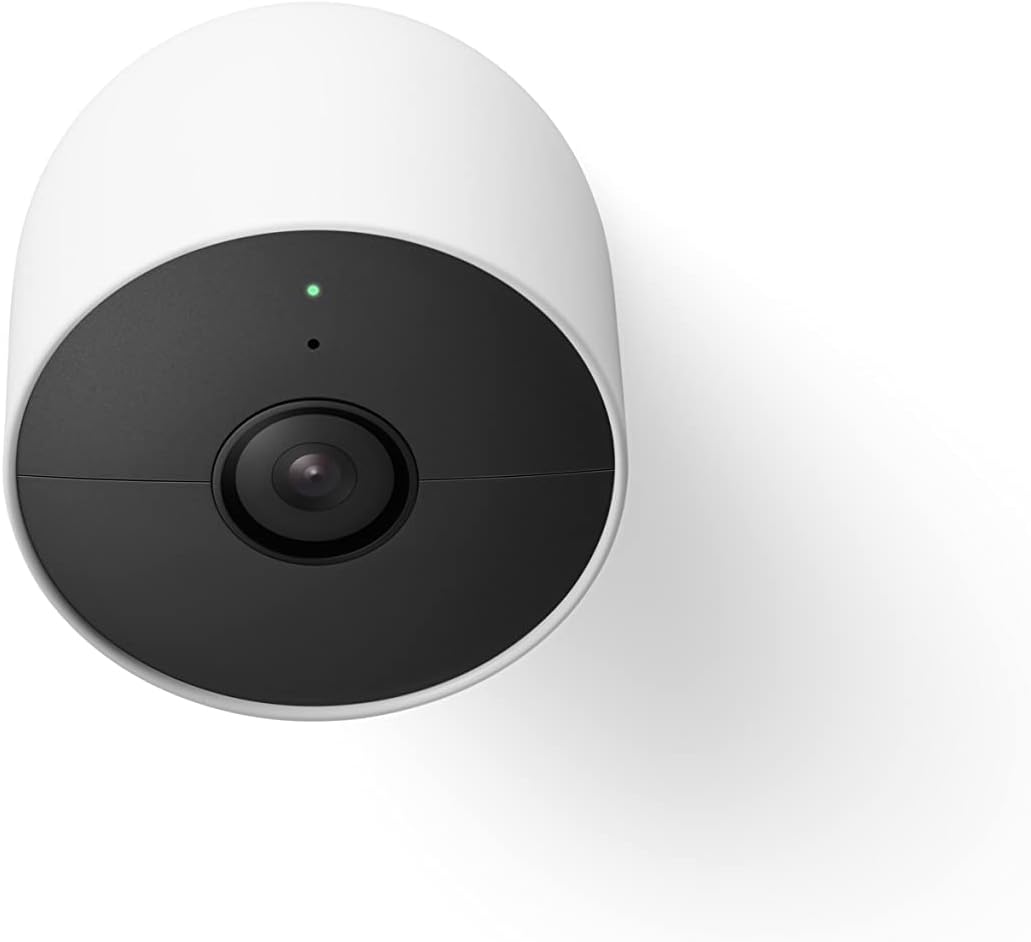
Google Nest Cam (Outdoor, Wired, 2nd Gen)
2K with HDR, Gemini-powered alerts, tight Google Home integration. Requires Google Home Premium for full features.
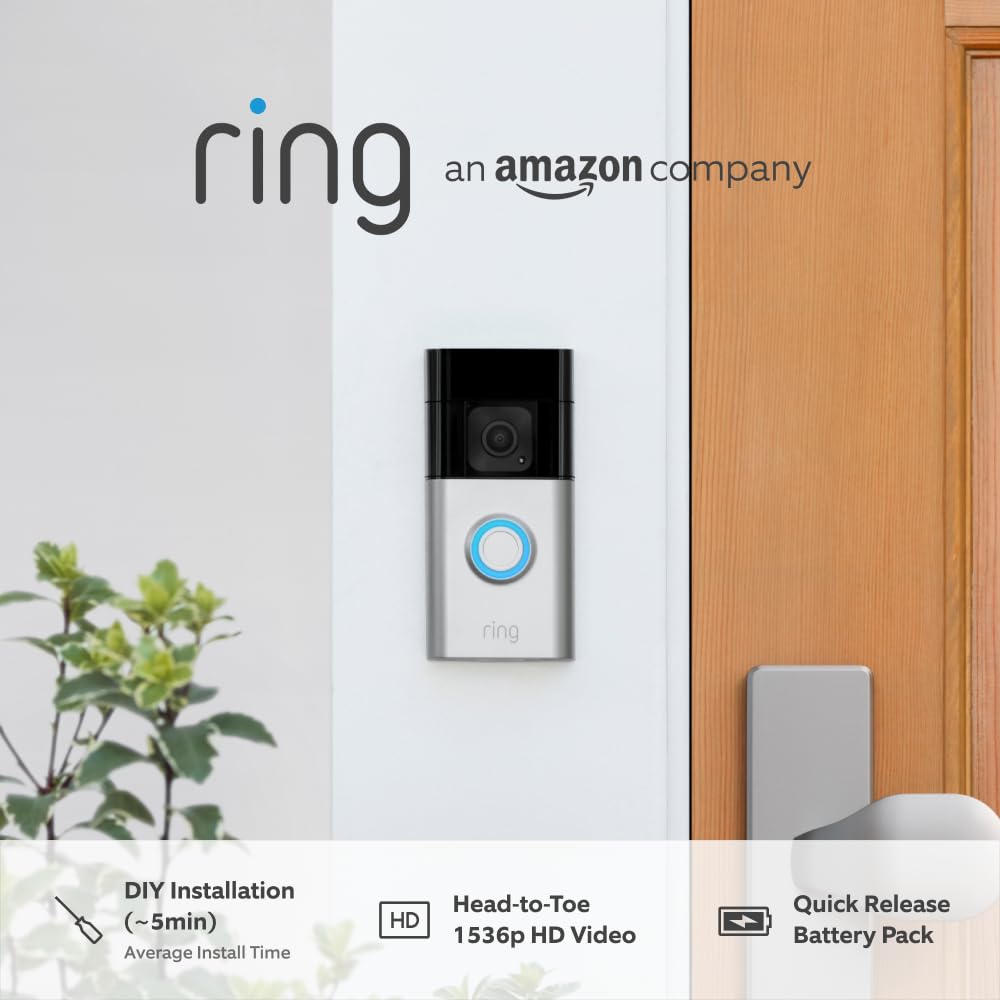
Ring Battery Video Doorbell Plus
Head-to-toe 1536p HD+ video, easy install, pairs with Alexa. Ring Protect subscription unlocks video history.
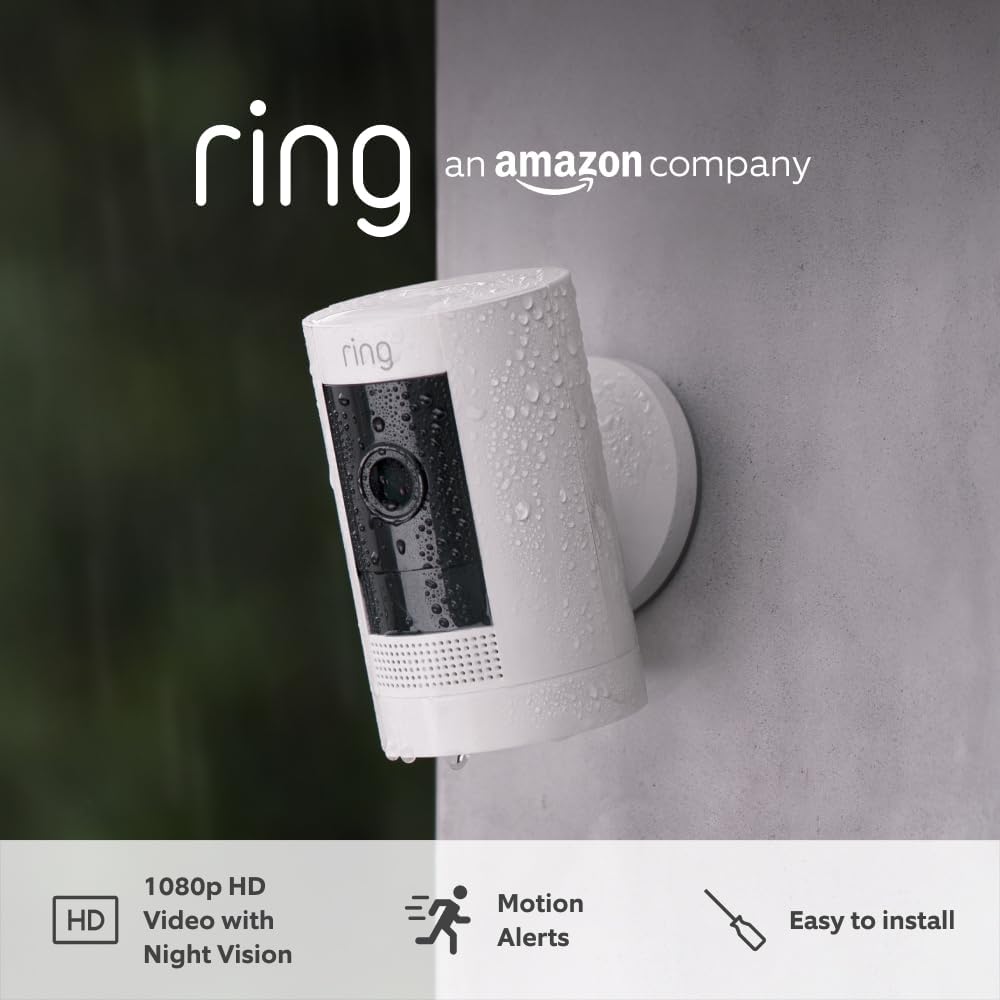
Ring Outdoor Camera Battery (Stick Up Cam)
Affordable wireless outdoor camera with two-way talk and Alexa integration. Versatile mounting for indoor or outdoor use.
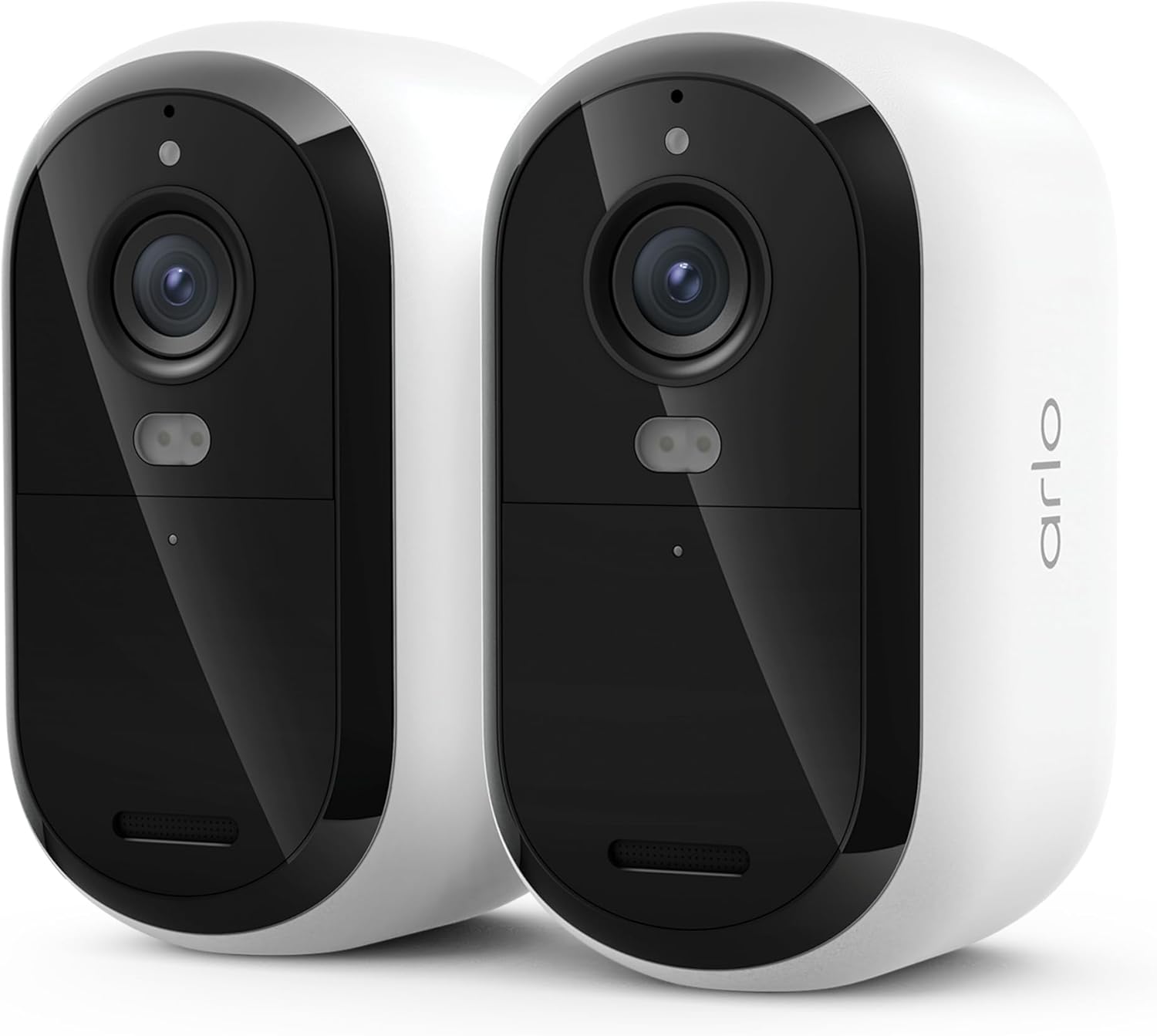
Arlo Essential Wireless Camera (3rd Gen, 2-Pack)
2025-release 2K cameras with person recognition, package detection, and dual-band WiFi. Two cameras for under $215.
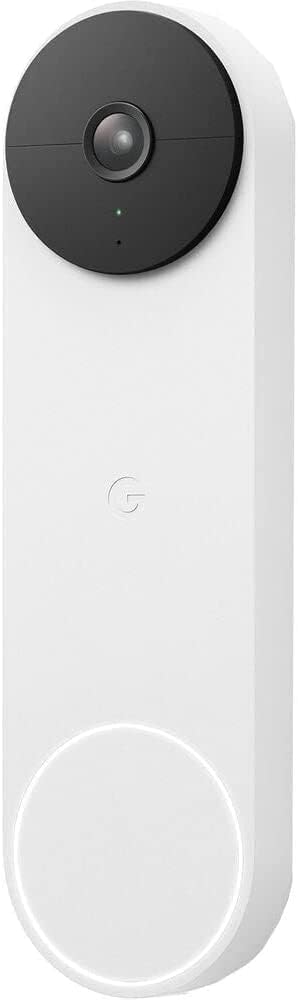
Google Nest Doorbell (Battery)
Battery-powered smart doorbell with on-device person, animal, and vehicle detection — even without a subscription. Easy DIY install.
Why Subscription-Based Cameras?
Subscription cameras from Ring, Arlo, and Google Nest offer a different trade-off to local-storage cameras. You pay an ongoing monthly fee, but in return you get cloud video storage, professional-grade AI detection, and (in some cases) professional monitoring. The cloud model means your footage is backed up off-site — if someone steals or destroys the camera, the video is already saved.
The catch: without a subscription, most of these cameras are severely limited. You’ll typically get live view and basic motion alerts, but no video recording history, no smart alerts, and limited functionality.
All three major players — Ring, Arlo, and Google — are US-based companies. Your video footage is stored on cloud servers primarily located in the United States. If data sovereignty or privacy is a concern, keep this in mind.
Prefer no ongoing fees? Check out our guide to the best no-subscription security cameras in Australia — cameras with local storage that work fully without a monthly plan.
Ring (Amazon)
Ring is Amazon’s home security brand and the most popular video doorbell system in Australia. Ring cameras are affordable upfront, but nearly all useful features require a Ring Protect subscription.
What You Get Free (No Subscription)
- Live view (on-demand camera feed)
- Real-time motion notifications (basic — no smart detection)
- Two-way audio
- That’s it. No video recording, no playback, no smart alerts.
Ring Protect Plans (AU Pricing)
| Plan | Price | What’s Included |
|---|---|---|
| Ring Solo | A$4.49/mo or A$44.99/yr | Video recording + 180-day history for one device. Smart alerts (person, package, vehicle). Doorbell calls. |
| Ring Multi | A$13.49/mo or A$134.99/yr | Same features for all Ring devices at one location. |
| Ring AI Pro | A$27.49/mo or A$274.99/yr | Everything in Multi + AI video descriptions, AI video search, AI single-event alerts (powered by Alexa Guard). |
Popular Ring Cameras in AU
Ring Battery Video Doorbell Plus — around $250 The go-to video doorbell. Head-to-toe 1536p HD+ video in a compact wireless form factor. Battery-powered, easy DIY install.
Ring Outdoor Camera Battery (Stick Up Cam) — around $150 The latest generation of Ring’s versatile indoor/outdoor camera. HD video with two-way talk, wireless battery power, and adjustable privacy settings. One of the cheapest subscription cameras from any major brand — though you’ll still need Ring Protect for video recording.
Ring Stick Up Cam Battery (3rd Gen) — around $180 Versatile indoor/outdoor camera. Works on battery or with plug-in adapter.
Ring Floodlight Cam Wired Plus — around $300 Camera with built-in floodlights. Wired installation required.
Pros
- Affordable hardware — often the cheapest cameras in their category
- Excellent Alexa integration for voice-controlled viewing
- Huge ecosystem (doorbells, cameras, alarm, smart lighting)
- Solo plan is cheap for a single-device setup
- 180-day video history is generous
Cons
- Camera is essentially a paperweight without a subscription — no recording at all
- All footage stored on Amazon/AWS servers in the US
- Ring has faced criticism over police data-sharing partnerships (US-focused, but the company is the same)
- No Apple HomeKit support
- Video quality generally trails Arlo and Google Nest
Data & Privacy
- HQ: Santa Monica, California, USA (Amazon subsidiary)
- Data storage: AWS cloud servers, primarily US-based
- Cloud required: Yes — no local storage option on any Ring camera
- Privacy concerns: Ring has historically shared video with US law enforcement without user consent (policy changed in 2023 to require warrants). End-to-end encryption is available but opt-in and disables some features. All data subject to US jurisdiction (CLOUD Act).
Arlo (Arlo Technologies)
Arlo makes premium wire-free cameras known for excellent video quality and flexible mounting. The cameras are well-built, but Arlo has aggressively shifted features behind its Arlo Secure paywall — features that were once free now require a subscription.
What You Get Free (No Subscription)
- Live view
- Basic motion notifications
- Two-way audio
- No video recording history (previously offered 7 days free — removed in 2023)
- No smart detection (person, vehicle, package, animal)
Arlo Secure Plans (AU Pricing)
| Plan | Price | What’s Included |
|---|---|---|
| Arlo Secure (Single) | A$12.99/mo or A$129.99/yr | 30-day cloud video history for one camera. Smart alerts (person, vehicle, animal, package). Activity zones. |
| Arlo Secure (Multi) | A$22.99/mo or A$229.99/yr | Same features for unlimited Arlo cameras. |
| Arlo Safe & Secure | A$29.99/mo or A$299.99/yr | Everything in Multi + 24/7 emergency response (Arlo Safe), smoke/CO alarm detection, crash detection. |
Popular Arlo Cameras in AU
Arlo Essential Wireless Camera (3rd Gen, 2025 Release) — around $215 (2-Pack) Arlo’s latest Essential camera brings 2K resolution, person recognition, package detection, and dual-band WiFi in a compact battery-powered design. The 2-pack is excellent value if you need to cover multiple angles. Includes a 1-month trial of Arlo Secure.
Arlo Essential (2nd Gen) 2K Indoor Camera — around $150 Budget-friendly indoor option with 2K resolution.
Arlo Ultra 2 4K — around $600 Top-tier 4K camera for those wanting the best image quality.
Note: Arlo Pro 5S 2K availability in Australia is currently limited. Check Arlo’s official AU store or major retailers for current stock.
Pros
- Excellent video quality — particularly the Ultra 2 in 4K
- Truly wire-free with rechargeable or swappable batteries
- Magnetic mounts make repositioning easy
- Good third-party integrations (HomeKit, Alexa, Google Home, SmartThings, IFTTT)
- Apple HomeKit Secure Video support on select models (uses iCloud instead of Arlo cloud)
Cons
- Most expensive subscription tier of the three
- Removed free 7-day cloud storage — deeply unpopular with existing users
- Camera firmware updates have occasionally broken features
- Battery life varies wildly depending on activity and settings
- Arlo SmartHub has been discontinued; newer cameras connect directly to WiFi
Data & Privacy
- HQ: Carlsbad, California, USA
- Data storage: Cloud (AWS servers). Arlo states data may be stored in US and EU regions.
- Cloud required: Yes — no local storage option (SmartHub with USB storage was discontinued)
- Privacy concerns: Arlo is a standalone US public company (spun off from Netgear). Data subject to US jurisdiction. No major data breaches reported. Apple HomeKit Secure Video support is a privacy plus — footage is end-to-end encrypted and stored in iCloud if you use that option.
Google Nest (Google)
Google rebranded Nest Aware as Google Home Premium in 2025, bundling camera features with broader Google Home capabilities including Gemini AI. Nest cameras are well-integrated into the Google ecosystem, and the newer models feature on-device processing for basic alerts even without a subscription.
What You Get Free (No Subscription)
- Live view
- Up to 3 hours of event-based video history (viewable in the Google Home app)
- On-device person, animal, and vehicle detection with notifications
- Activity zones
- Two-way audio
This is notably more generous than Ring or Arlo’s free tiers.
Google Home Premium Plans (AU Pricing)
| Plan | Price | What’s Included |
|---|---|---|
| Standard | A$15/mo or A$150/yr | 30 days of event-based video history. Intelligent alerts (familiar faces). Gemini for Home (on speakers/displays). |
| Advanced | A$30/mo or A$300/yr | Everything in Standard + 60 days event history, 10 days 24/7 continuous recording, descriptive notifications, AI video search, daily summaries. |
Popular Nest Cameras in AU
Google Nest Cam (Outdoor, Wired, 2nd Gen) — around $330 2K with HDR, weatherproof, wired power for 24/7 operation. Gemini-powered alerts on the Advanced plan.
Google Nest Cam (Indoor, Wired, 3rd Gen) — around $200 2K indoor camera, compact design, wired for reliability.
Google Nest Doorbell (Battery) — around $230 Battery-powered smart doorbell that’s easy to install without existing doorbell wiring. On-device processing delivers person, animal, and vehicle alerts even without a Google Home Premium subscription — making it one of the most functional free-tier doorbells available. 3 hours of free event history included.
Google Nest Doorbell (Wired, 2nd Gen) — around $380 HD video doorbell with 24/7 recording capability on the Advanced plan.
Pros
- Best free tier of the three — 3 hours of event history and on-device detection at no cost
- Excellent Google Home and Assistant integration
- Clean, reliable app experience
- Gemini AI features (video search, descriptions, daily summaries) are genuinely useful
- Familiar face detection works well
Cons
- Most expensive per-camera hardware
- No Apple HomeKit support
- Limited third-party integrations outside Google ecosystem
- No RTSP or ONVIF — can’t use with third-party NVR or Home Assistant natively
- Google has a history of discontinuing products (Nest Secure alarm was killed in 2020)
Data & Privacy
- HQ: Mountain View, California, USA (Alphabet/Google)
- Data storage: Google Cloud servers (global, exact region unspecified for AU users)
- Cloud required: Yes — though the free tier offers 3 hours of on-device event caching
- Privacy concerns: Google is an advertising company. Nest camera data is covered by Google’s privacy policy, which is broad. Google states Nest video is not used for ad personalisation. Data subject to US jurisdiction. In 2022, a former ADT security technician was found to have accessed customer Nest camera feeds — an ADT issue, not Google’s, but a reminder that cloud access has risks.
Subscription Cost Comparison
Here’s what you’d pay annually for a 3-camera setup:
| Brand | Plan | Annual Cost (3 cameras) |
|---|---|---|
| Ring | Multi | A$134.99/yr |
| Arlo | Multi | A$229.99/yr |
| Standard | A$150/yr | |
| Advanced | A$300/yr |
Ring’s Multi plan is the cheapest for a multi-camera setup. But remember — Ring cameras do literally nothing without a subscription, while Google’s free tier is quite functional.
Over 3 years, a Ring Multi subscription costs around A$405. An Arlo Multi subscription costs around A$690. That’s real money on top of the hardware cost, and it never stops.
A Note on Privacy: All US Companies
Ring (Amazon), Arlo, and Google Nest are all American companies. Your video footage is stored on US-based cloud servers and subject to US law, including the CLOUD Act, which allows US government agencies to request data from US companies regardless of where the data is stored.
This isn’t necessarily a deal-breaker — these are large, reputable companies with security teams — but it’s worth knowing, especially if you’re recording inside your home. None of these companies offer Australian-hosted data storage.
If data sovereignty and privacy are priorities, consider subscription-free cameras with local storage where footage never leaves your property.
Frequently Asked Questions
Can I use Ring, Arlo, or Nest cameras without a subscription?
Yes, but with significant limitations. Ring cameras can only show live view — no recording at all. Arlo is similar. Google Nest is the most generous, offering 3 hours of event history and on-device smart detection for free.
Which subscription is the best value in Australia?
For a multi-camera home, Ring Multi at A$134.99/year is the cheapest. But Google Home Premium Standard at A$150/year offers a better balance — you get familiar face detection, Gemini features, and the cameras still work reasonably well if you cancel.
Do these cameras work if my internet goes down?
Generally no — without internet, you can’t access live view or receive alerts, and cloud recording stops. Some models (like the Nest Cam battery) can cache a few hours of events on-device and upload when connectivity returns. For internet-independent recording, see our no-subscription cameras guide.
Can I switch from subscription to no-subscription cameras later?
Yes, but the ecosystems aren’t compatible. You’d need to buy new cameras. If you’re unsure about long-term subscription costs, starting with local-storage cameras avoids lock-in.